Here are some tactics for experienced server admins you may have not considered to help you get the most out of Discord and build your community.
Tap-to-Join: NFC Cards as Discord Invite Links
Charles Oh pointed out a wonderfully physical use for Discord invite links: put one on an NFC card and hand it to people at an event. A tap becomes an on-ramp to the right part of your community no searching for the server name, mistyped invite, and no QR code that has to be aimed at a camera.
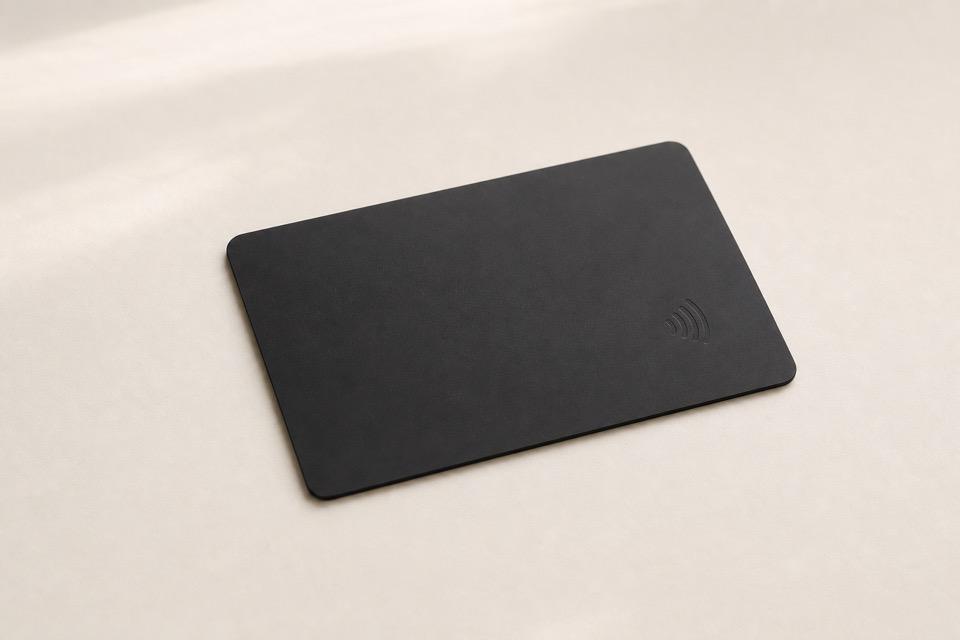
Any writable, NDEF-compatible NFC tag or card will work for a URL. These inexpensive NTAG215 cards are one convenient example. Use the free NFC Tools for iPhone or Android: choose Write, add a URL / URI record, paste the link, then hold the card to your phone to write it.
The useful bit is where the URL goes:
- Use a Linktree or a short redirect URL if you want the destination to stay editable after the cards are in circulation.
- Use a Discord invite directly when the card is tied to one specific event or cohort.
- Pair that invite with BetterInvites to give new members a low-privilege attendee or newcomer role automatically. Keep staff, moderator, admin, billing, and private-content roles out of this flow.
For a conference booth, speaker session, or local meetup, make a distinct invite for the moment, give it an expiration date or use cap, and point the NFC card at it. You can see whether the physical handoff is actually converting, and you can turn off the path when the event is over. Test the finished card on both iOS and Android before distributing it.
One caution on bots - have to check thier privacy and TOS: BetterInvites is usable for low-risk onboarding, but its privacy/legal documentation is too sparse and old to satisfy a rigorous privacy or enterprise vendor assessment. Its published policy is brief, last updated in 2022, and does not clearly spell out data categories, retention, or deletion timing. Treat it as a convenience layer, not the control plane for sensitive access. Read the policy.
Play a Character From your IP
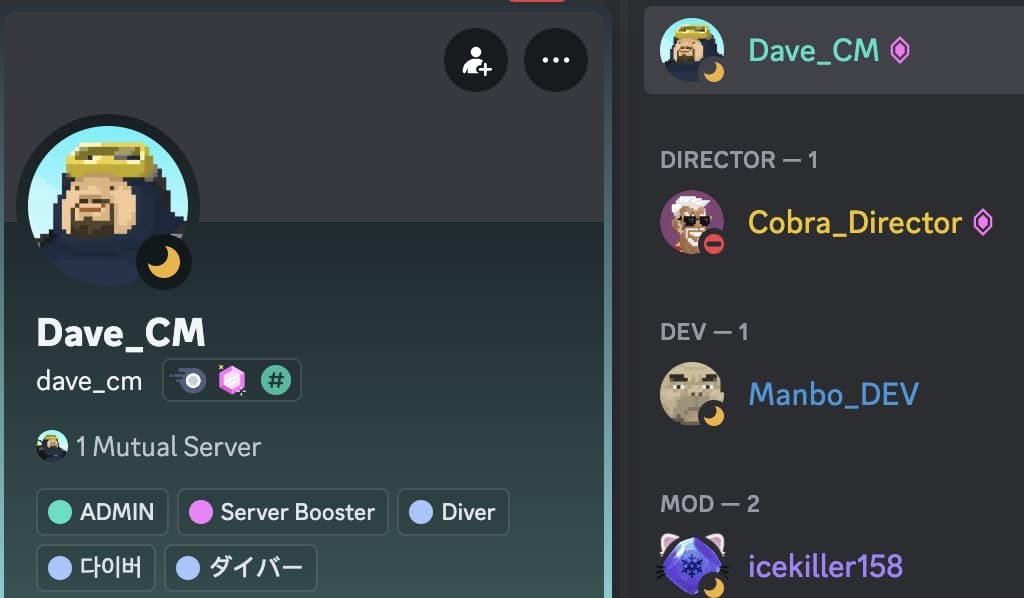
The community manager assumes the avatar of Dave, the game’s protagonist.
Great way to add fun and personality to servers, especially for gaming communities. I haven’t seen anyone go fully all in, but it would be interesting to fully role-play a character from the game as they would perform the community manager duties.
The Dave the Diver Discord server is the first place I’ve seen this and although they are not going as ham as I’d like to see with it, I like this idea because:
- adds a fun and playful element to the server
- protects the community managers identity (gaming communities can be… yikes)
- makes the community manager more approachable and relatable - they are a character in the game players are already familiar with.
Ethereal Roles
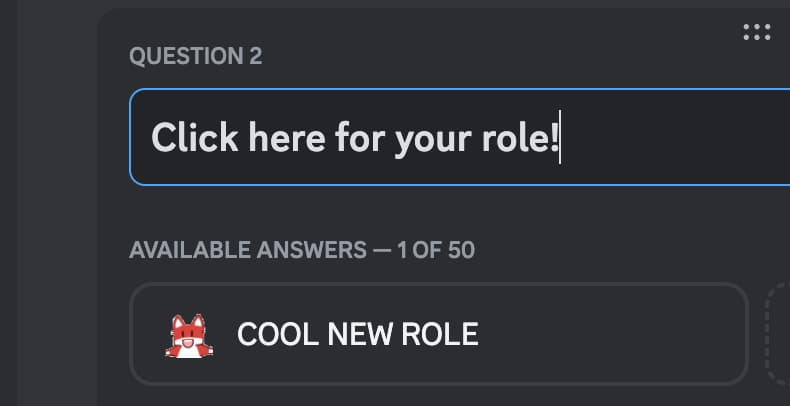
Throw up a temporary role for a limited time, like during an event, to allow members to grab a special role.
You already know about the power of roles in Discord and its onboarding features. But have you considered using this feature as a temporary, time-gated way to allow members to grab a special limited-time role?
Mike Bird, used this tactic during a live event to allow attendees to grab a special beta test role that no one else would have access to. I loved this approach because it gave them the agency to take the special role and rewarded the most loyal members of the community who are active and engaged. You can quickly add the special role and direct attendees to the #Channels & Roles section to give themselves the role and access to whatever special content or permissions you want to share.
Once the time period is over, you can remove the role from the onboarding process. In the example from Open Interpreter, everyone at the event got exclusive access to be a beta tester of a new app.
Podcasting Studio
Oxide and Friends uses a stage to record podcasts and has channels that are used for live chat during each episode.
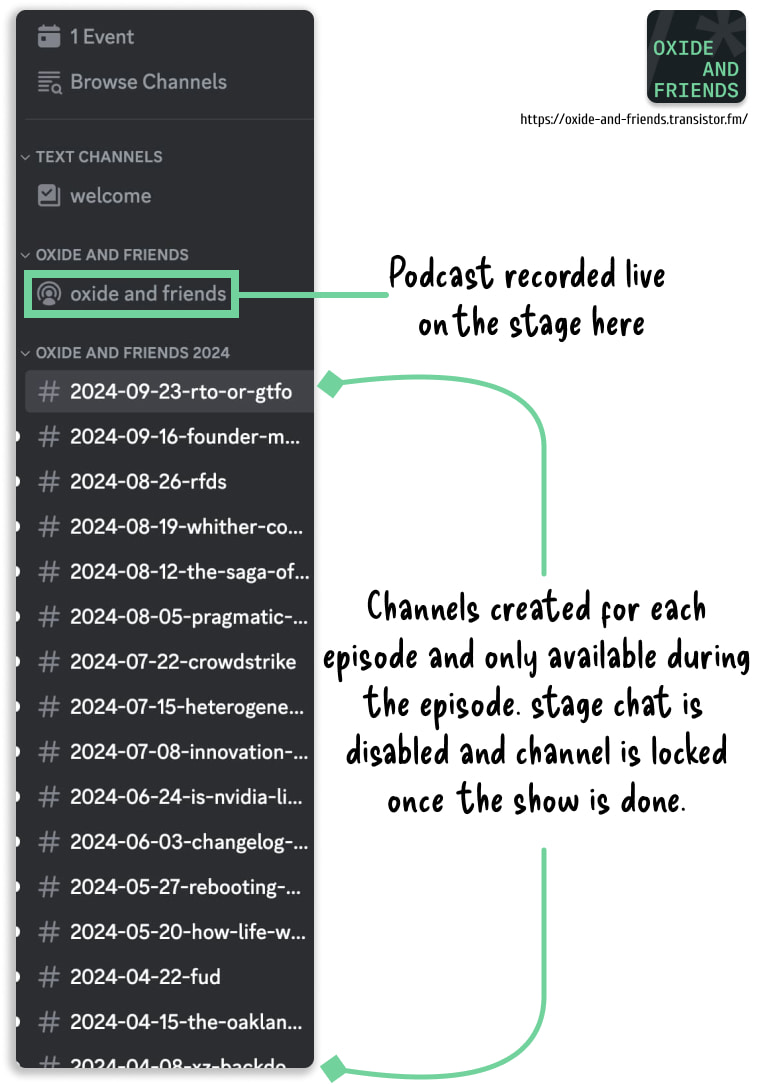
Oxide and Friends: https://oxide-and-friends.transistor.fm/ Discord: https://discord.gg/3pm4Z7hxyD
Bridging Community Everywhere
What do you do if your community is spread across multiple platforms?
Bots can be used to bridge community messaging together and one of the most impressive examples of this is the IndieWeb community. Turns out, having a community of web standards champions and legends of personal site creation lends itself well to custom bridging.
Not sure what the current status is but I remember seeing IRC, Slack and some custom chat room bridges in various channels there.
The IndieWeb community is a great example of how you can have a Discord server that connects traffic from multiple sources.